Late on Cyber Monday 2025, thousands of Shopify merchants could not log in. Many could not reach their admin, some point-of-sale checkouts failed because staff could not get into POS, and APIs, mobile apps and support were degraded too. Shopify confirmed a "known system error" on its status page and on X. Early the next morning it said it had "found and fixed an issue with our login authentication flow" and that Admin and POS were recovering.
That was a few hours, on the one day a small shop can least afford them. Here is the honest part: if your shop runs on Shopify, or any hosted platform, you cannot prevent its outages. Nothing in this post makes your store immune. What you can control is how fast you notice, what your customers see while it lasts, and whether any orders fall through the cracks afterwards. That is a plan you write once, in October, while nothing is on fire.
1. Hear about it before your customers tell you
Shopify publishes its status at shopifystatus.com. The page lists nine components: Admin, Checkout, Reports and Dashboards, Storefront, API and Mobile, Third party services, Support, Point of Sale, and Oxygen. It also has a "Subscribe to Updates" button. Subscribe now, with the phone or inbox you actually look at on a sales weekend, not a shared admin address nobody reads.

Two caveats are worth knowing. First, the status page itself says that "some issues affecting a small percentage of stores may not be reflected here". A green page does not prove your store is fine. Second, by the time an incident is posted, some customers have already hit the error. So add one check of your own:
- Set up a free uptime monitor on your storefront home page and on one product page. Most uptime services can alert by SMS or push.
- On the big days, place a real test order yourself in the morning and again at lunch. A discount code for 100% off a cheap item and a cancelled order afterwards costs you nothing. It is the only check that proves checkout works end to end.
2. Decide in advance who does what
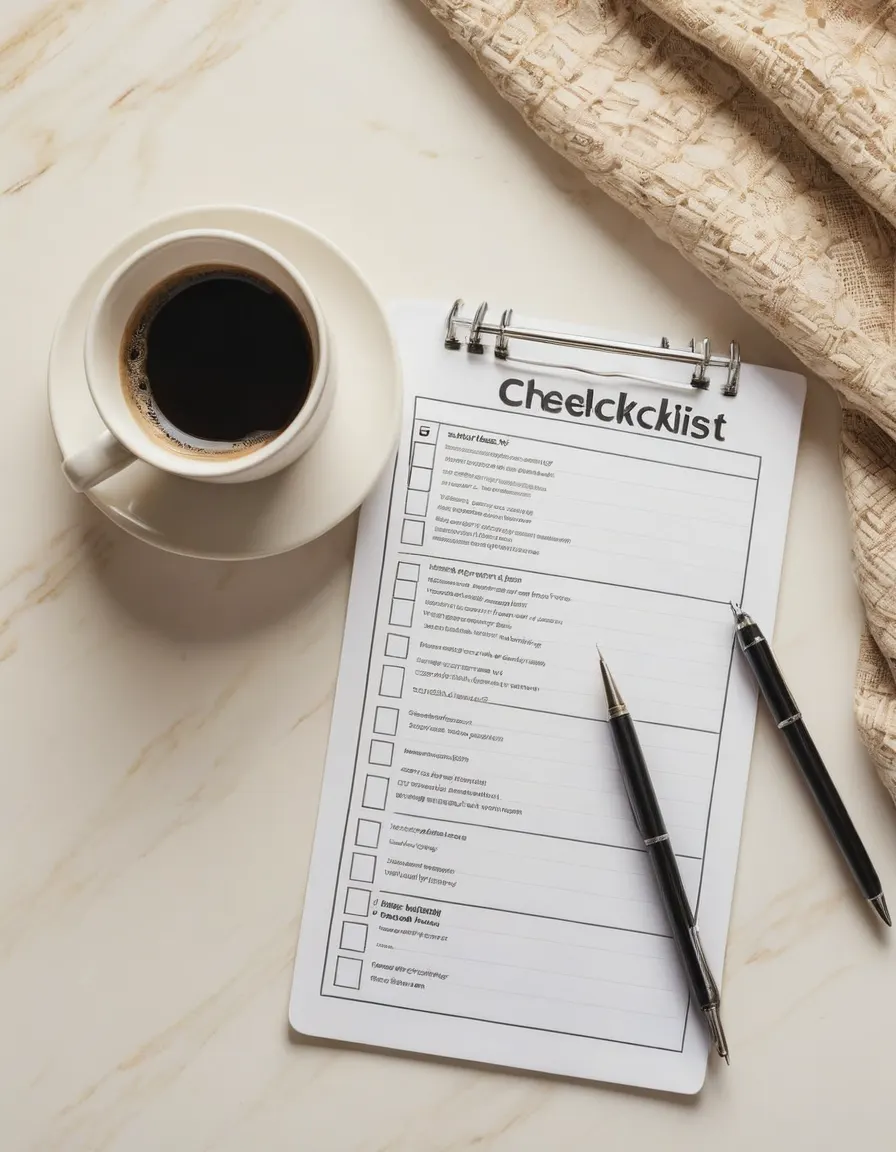
Outages go worse when two people discover them at once and both start improvising. Write down, on one page:
- Who declares it. One person decides "we are in outage mode", usually the owner.
- Who talks to customers. One person posts the message (step 3) and answers DMs.
- Who keeps a log. Times, what broke, which customers got in touch. You will need this for step 5.
- What you stop. Pause paid ads and scheduled promotional emails while checkout is down. Paying to send people to a broken checkout is the most avoidable loss of the day. Know where the pause buttons are before you need them, and note that ad platforms are separate logins from Shopify, so they still work during a Shopify admin outage.
3. Pre-write the message
Write the message now and save it in your notes app and in your email tool's drafts. Under pressure, people over-explain or promise times they cannot keep. Something like:
Our checkout provider is having a problem right now, so some orders may not go through. Nothing is wrong with your card. If you were charged and didn't get a confirmation, don't worry, we'll sort it out personally. We'll post here as soon as it's working. If you want to order today, reply to this message.
Three things matter in it. It says what customers may see. It reassures the people who were charged, who are the most anxious ones. And it gives them a way to still order. Do not promise a time. You do not know it, and the platform may not either.
Post it where your customers already are: the social channel you use most, and a short banner email to your list only if the outage runs long during a big promotion. Remember that your email tool may itself be a Shopify app, so check whether you can send from it without the Shopify admin.
4. Have a backup way to take money
For your loyal customers, the ones who will reply to that message, have one way to take a payment that does not depend on Shopify:
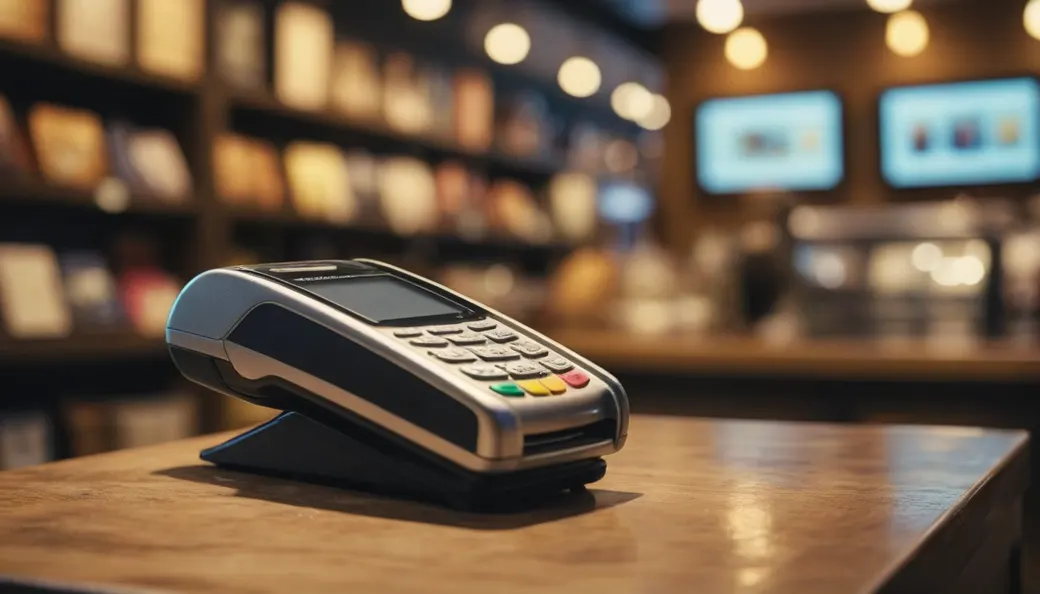
- A payment link or invoice from a payment provider account you already have and can log in to separately, set up and tested in advance.
- A short manual-order template: name, email, product, size, address. When Shopify is back, you key these in as manual orders so stock and fulfilment stay in one place.
Keep this small and personal. It is not a second shop. It is a way to say yes to the customer who would otherwise give up. Make sure the provider's account details are kept somewhere other than your Shopify admin, because the admin is exactly what you may not be able to reach.
If you sell in person with Shopify POS, the same applies at the till. Decide now what staff do if POS will not load: take a card payment on a standalone terminal if you have one, write the sale down, and enter it later.
5. Afterwards: find the half-finished orders
An outage leaves debris. Once things recover, go through the log from step 2 and check:
- Charged but no order. Compare payments in your payment provider's dashboard for the outage window against orders in Shopify. Any payment without an order is a customer who thinks they bought something. Contact them first.
- Abandoned checkouts from the window. In the admin under Orders, the abandoned checkouts list shows people who got partway. A personal note ("sorry, our checkout was down, here's your cart") converts better than the automatic reminder, which may have gone out at a bad moment.
- Duplicates. Customers who retried may have paid twice. Refund the duplicate before they have to ask.
- Manual orders. Enter everything you took through the backup route, and mark those orders paid so they are not charged again.
- Stock. Check inventory on your bestsellers. Orders keyed in late can oversell what the shop showed as available.
Then post a short all-clear, and thank the people who waited.
The one-page version
- Subscribe to shopifystatus.com updates and add your own uptime monitor.
- Test-order on the big days, morning and lunch.
- Name who declares, who talks, who logs. Know how to pause ads and emails.
- Save the customer message now.
- Set up and test one backup payment link, plus a manual-order template.
- After recovery, match payments against orders, then duplicates, abandoned checkouts and stock.
This will not stop the next outage. It turns a lost afternoon into a slow one, and a pile of angry DMs into a handful of personal replies. For a small shop on the biggest weekend of the year, that is the difference that matters.