When a shopper asks Google's AI Mode "what's a good waterproof backpack for cycling under 100 dollars?", the answer often includes products. Until now a small shop had no direct way to see whether its own products were among them. Merchant Center now has a report for exactly that, called AI performance insights.

This post covers where to find it, what each number means when you sell a few dozen or a few hundred products, what to fix first, and what the report will not tell you.
First, check whether you can see it
According to Google's help page, the report currently covers:
- Countries: Australia, Canada, India, New Zealand and the United States.
- Language: English-language queries only.
- Traffic: organic (free listings) only. Paid Shopping ads are not included.
Reports from the rollout describe it as reaching accounts gradually, so it may not be in yours yet even if you sell in one of those countries. If you sell only in, say, Poland or Germany, there is nothing to look at for now. The product-data advice further down still applies, because it is the same data Google uses everywhere.
Where it lives
In Merchant Center, go to Analytics → Products and open the AI performance tab. You can filter by product category, time period, country and traffic type. Google says data is updated daily with a few days' lag, so do not expect to see yesterday's change today.
What the numbers mean for a small shop
Share of voice
The percentage of AI impressions in which your brand or products surfaced, compared with competitors. Two traps for small shops, both from Google's own notes:

- 100% does not mean you won. If Merchant Center has no competitors defined for your account, it shows 100% share of voice. Check that before celebrating.
- 0% does not always mean you lost. A zero can mean there were not enough impressions to calculate anything. A dash means no impressions data at all.
Next to it is competitors' average share, which is the benchmark to compare yourself against.
Shopping stage scorecard
Google sorts conversational queries into three stages: Discovery ("ideas for a gift for a cyclist"), Evaluation ("Ortlieb vs Vaude backpack") and Ready to buy ("buy waterproof cycling backpack 20L"). For a small shop, the stage where you appear tells you something useful. If you show up in Ready to buy but not in Discovery, AI answers know what you sell but do not think of you when someone is still browsing. That usually points to thin descriptions rather than missing products.
Top terms, popular attributes and top search intents
These are the three optimisation scorecards, and they are the actionable part:
- Top terms are the words shoppers use in AI queries in your category, with how often they come up (frequency) and how many of your products show for them.
- Popular attributes highlights structured data shoppers ask about, such as size, colour or material, that your products are missing.
- Top search intents describe the situation behind queries ("for commuting", "for a small kitchen").
What to fix first
Google's own recommendations in the help page are short: provide high-quality data, add top terms to titles and descriptions, fill in missing attributes, and check the report regularly. Here is how that looks in practice for a shop with limited time.
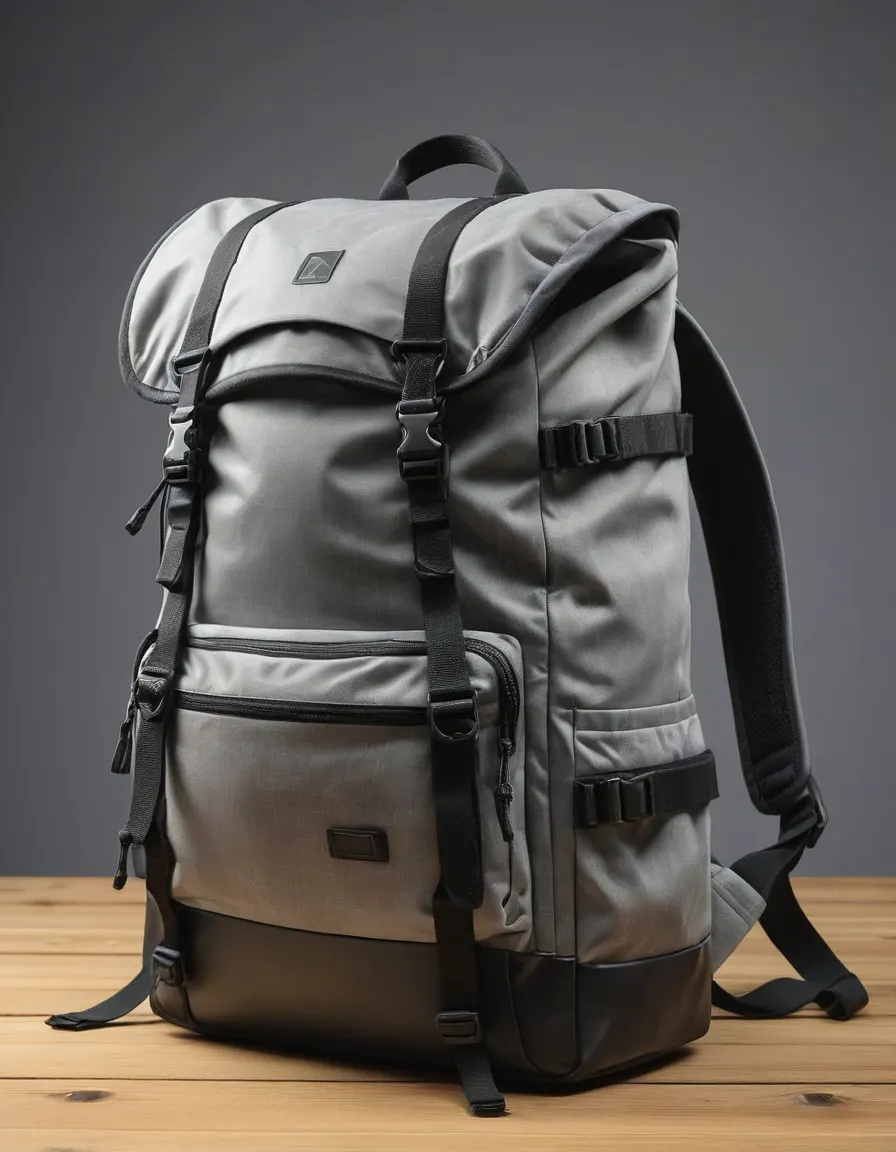
- Fill the attributes the report flags. This is the cheapest win. If "material" shows up as a popular attribute and your feed leaves it empty, add it. Google's colour guidance is worth following here: use the standard colour name a customer would search for ("red", not "cinnamon apple"), and submit one colour value per variant.
- Rewrite titles for your top 10 sellers. Put brand, product type and the key attribute first, in plain words that match the top terms. "Waterproof cycling backpack 20L, roll-top, recycled nylon" gives an AI answer more to work with than "The Voyager".
- Add the use case to descriptions. If top search intents include "for commuting", say in the description that the product is designed for commuting, and why. Only if it is true: an AI answer that recommends your bag for something it cannot do produces a return, not a sale.
- Change one thing, then wait. With a few days' data lag and small impression counts, editing everything at once means you will not know what worked. Change one product group, note the date, and check two weeks later.
Honest limits
- It is not a sales report. It shows visibility in AI answers, not whether those shoppers bought from you.
- Small catalogues mean small numbers. With low impression counts, a week's swing can be noise. Look at trends over a month.
- It only covers Google. Shoppers also ask ChatGPT, Perplexity and other assistants. Better titles and complete attributes help there too, but this report will not show it.
- English and five countries only, for now. If your customers search in another language, you are working without this data.
The time cost is modest: about 20 minutes to read the report the first time, and an hour or two to fix attributes and titles on your best sellers. That is the same feed hygiene that already helps your free listings, now with a scoreboard.